HyperFrames Alternatives: The 5 Best Tools for Making Video with Code (2026)
HyperFrames turns HTML into deterministic MP4s and it's genuinely good at it. But it's a framework, not an app. Here are the five best alternatives in 2026 — compared on iteration speed, timeline editing, audio, licensing and who each one is actually for.
If you're searching for HyperFrames alternatives, you've probably already worked out that HyperFrames is good. It's Apache 2.0, it has no per-render fees, it has 43.7k stars, and it does the hard part — deterministic HTML-to-video rendering — properly.
So this isn't a takedown. It's a question of shape. HyperFrames is a framework you build with. Most people searching for an alternative want an application they make videos in.
Here are the five best options in 2026, and an honest account of who each one is for.
TL;DR
- GenMotion — the pick if you want to iterate. A desktop studio where an agent writes the scenes, a real timeline lets you reorder and retime by dragging, and voiceover is generated per scene with beat timings. No CLI, no toolchain, no per-render fee.
- Remotion — the pick if video is a feature of your product. Mature, React-based, excellent Lambda rendering. Costs money above 3 employees.
- Revideo — the pick if you want an MIT-licensed library for batch generation. Caveat: the team now mainly works on the commercial Midrender.
- Motion Canvas — the pick for technical explainers. Free, MIT, genuinely lovely for algorithm and maths animation.
- Creatomate — the pick for a thousand variants of one template. A cloud API, not an animation tool.
The short version: HyperFrames and its library-shaped peers all optimise for generating video. GenMotion optimises for changing it — which is what you actually spend your time doing.
| Model | Interface | Timeline | Audio / voiceover | Licensing shape | |
|---|---|---|---|---|---|
| GenMotion | AI studio (desktop app) | Chat + timeline + preview | Yes — drag to reorder, frame-precise trim, waveforms | Generates narration per scene, with beat timings | Free download, bring your own agent subscription |
| HyperFrames | Framework + CLI | Write HTML, run CLI | No | Mixing, ducking, EQ (you supply the audio) | Apache 2.0, free |
| Remotion | React library | Write React, Studio preview | Scrubber in Studio | Supported, you wire it | Free ≤3 employees, then $25/seat/mo or $0.01/render |
| Revideo | TS library | Write TypeScript, React player | Via Motion Canvas editor | Supported | MIT |
| Motion Canvas | TS library + editor | Write TS generators, web editor | Yes — audio-synced | Sync to a track you supply | MIT |
| Creatomate | Cloud template API | Visual template editor + API | Template timeline | Supported in templates | Credit-based subscription |
First: what HyperFrames actually is
Worth stating accurately, because a lot of comparison pages get this wrong.
HyperFrames is HeyGen's open-source engine for turning a standard HTML document into a deterministic MP4. You write HTML with data-* timing attributes, animate with GSAP, CSS, Lottie, Three.js, Anime.js or the Web Animations API, and a CLI (init, preview, lint, render) captures it frame by frame in headless Chrome and encodes with FFmpeg. It ships audio mixing with voiceover ducking, caption workflows, a registry of reusable blocks, AWS Lambda rendering, and around twenty installable skills that teach coding agents how to use it.

Requirements: Node.js 22+, FFmpeg, and headless Chrome via Puppeteer.
That last line is the whole reason this article exists. HyperFrames is excellent if you want a rendering engine in your stack. It is a lot of machinery if what you wanted was a launch video by Thursday.
1. GenMotion — built to iterate
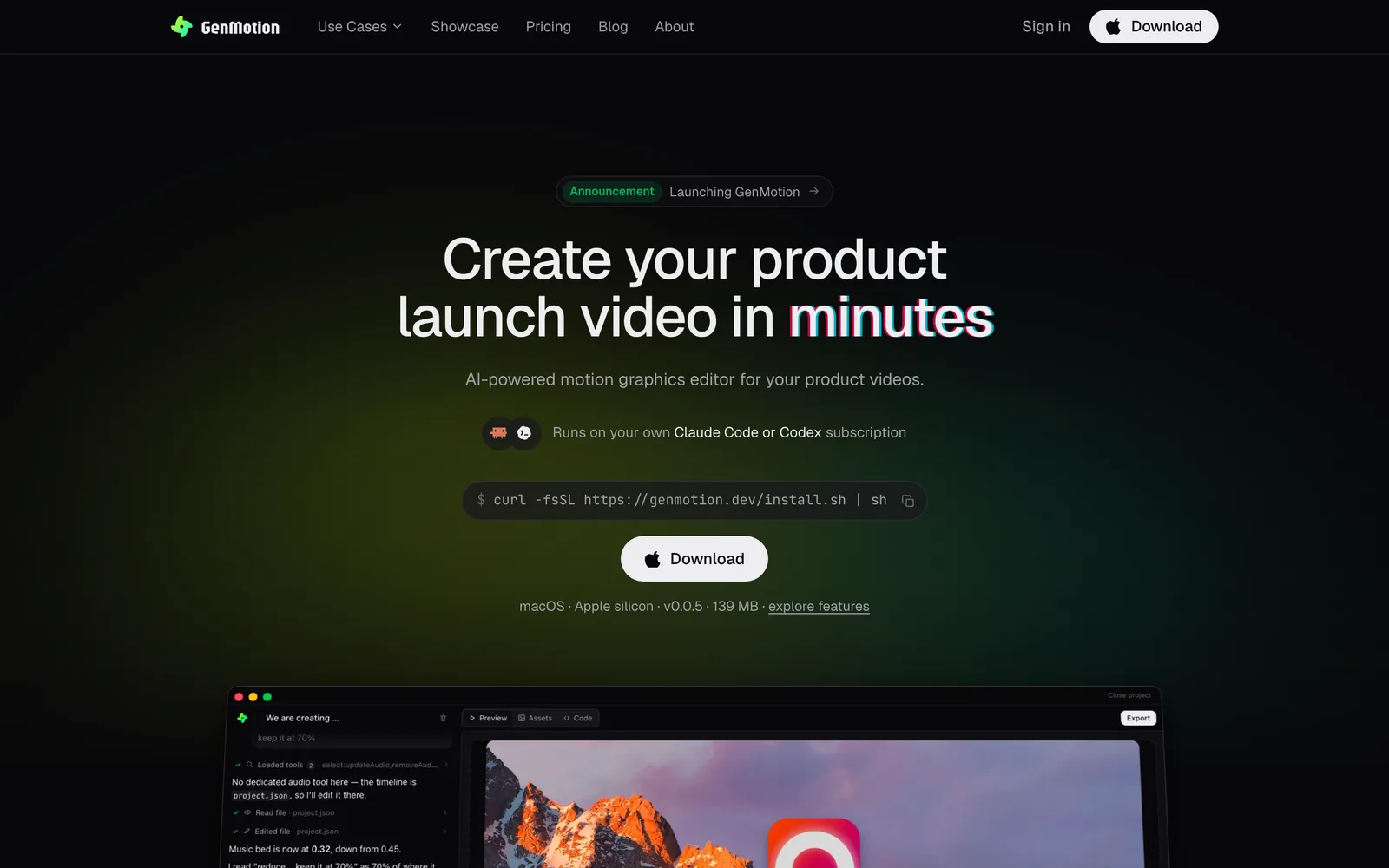
What it is: a desktop motion-graphics studio. You describe the video; an agent writes each scene as a real animated composition; you refine it by talking to it and by dragging things on a timeline; you export an MP4 rendered locally on your machine.
The thing that separates it from everything else on this list is that it is designed around the second, third and tenth version of your video, not the first.
Every code-first tool on this list is optimised for the moment you generate output. That's the wrong moment to optimise. Nobody's first cut is right. The real work is "the intro drags," "that stat should land on the beat," "swap scenes two and three," "the voiceover says reliable but the text says fast." With a framework, each of those is: open the file, find the number, change it, re-render, watch, repeat.
Iterate by conversation. Ask for "slow the intro down" or "make the headline rise instead of fade" and the agent edits the scene. The preview updates. You didn't open a file or remember an easing function's name. AI scene authoring writes real React/TSX against a deterministic runtime — this isn't a black box, and you can read and edit the code whenever you want to.
A timeline that's an actual timeline. The timeline editor lets you drag scene blocks to reorder them and grab an edge to change a scene's length. Durations are counted in frames at the project's frame rate, so timing is exact rather than approximate. Waveforms render underneath scenes that have sound, so you can line motion up to a beat by eye. This is the part that framework users end up rebuilding by hand, badly, in a config file.
Audio that generates itself. AI voiceover produces per-scene narration from a line of text, in a range of natural voices. Scenes extend automatically to fit the narration, and you get per-sentence beat timings back so motion can cue to the words. Rewrite a line, regenerate in seconds. Compare that with the framework workflow: record or synthesise audio elsewhere, import the file, hand-measure where the sentences land, hard-code the offsets, re-render when the script changes.
Flexibility without a toolchain. Projects are folders on your Mac. Rendering and export run locally — nothing is uploaded and there's no queue. It runs on your own Claude Code or Codex subscription, so there's no per-render fee and no seat pricing.
Pros
- Conversational iteration — changes are a sentence, not an edit-render cycle
- Real frame-precise timeline with drag-to-reorder and audio waveforms
- Generates voiceover and the timings to sync motion against it
- No CLI, no Node version, no FFmpeg install, no rendering infrastructure
- Local-first: your projects are folders, your renders are on your machine
- Deterministic runtime — the preview you scrub is the frame you export
Cons
- macOS on Apple silicon only today
- Not a library: there's no npm package and no way to render per-user video from your backend
- Needs your own agent subscription (Claude Code or Codex)
- Younger than Remotion, with a smaller ecosystem
Trade-off, stated plainly: if you need video generated programmatically from your own server, GenMotion is the wrong tool and Remotion is the right one. This list is ranked for people making videos, not for people building video infrastructure.
2. Remotion — the mature programmatic choice
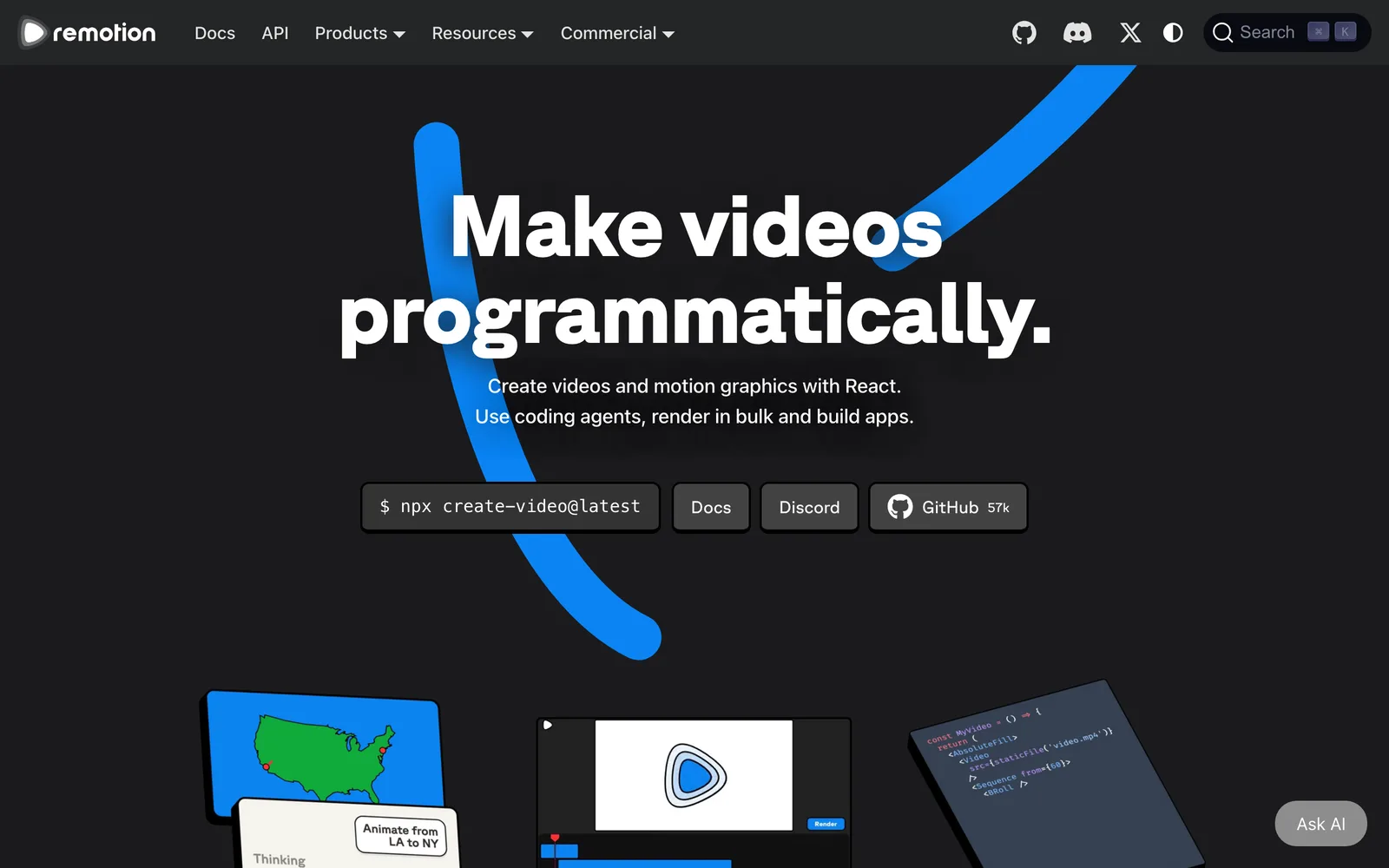
What it is: the best-established way to make video with code. Compositions are React components, animation is a pure function of the frame number, and @remotion/lambda renders at scale. The Studio gives you a live preview with a scrubber.
Pricing (public and specific): free for individuals, non-profits and companies with up to 3 employees. Above that, Remotion for Creators is $25 per seat per month, and Remotion for Automators is $0.01 per render with a $100/month minimum. Enterprise uses the same per-render rate with a $500/month minimum. A render is "the successful generation of a video, audio, GIF, PDF or still image" — Studio previews don't count.
Pros
- The most mature ecosystem, documentation and community in this category
- Genuinely excellent serverless rendering
- React model is familiar to a huge number of developers
- Frame-driven determinism, done properly
Cons
- Licensing cost bites hardest at the low end — the $100/month minimum is the same whether you render 50 videos or 10,000
- Free tier is gated on employee count, not usage: hire a fourth person and you're licensed
- You own and maintain the rendering pipeline
- Making one marketing video means writing a React app
Why GenMotion is better for this job: Remotion makes you build the machine that makes the video, then pay per video it makes. GenMotion just makes the video — and when you inevitably want the third scene shortened and the music quieter, that's a sentence and a drag on the timeline rather than a code change, a rebuild and another billable render.
3. Revideo — the MIT-licensed library
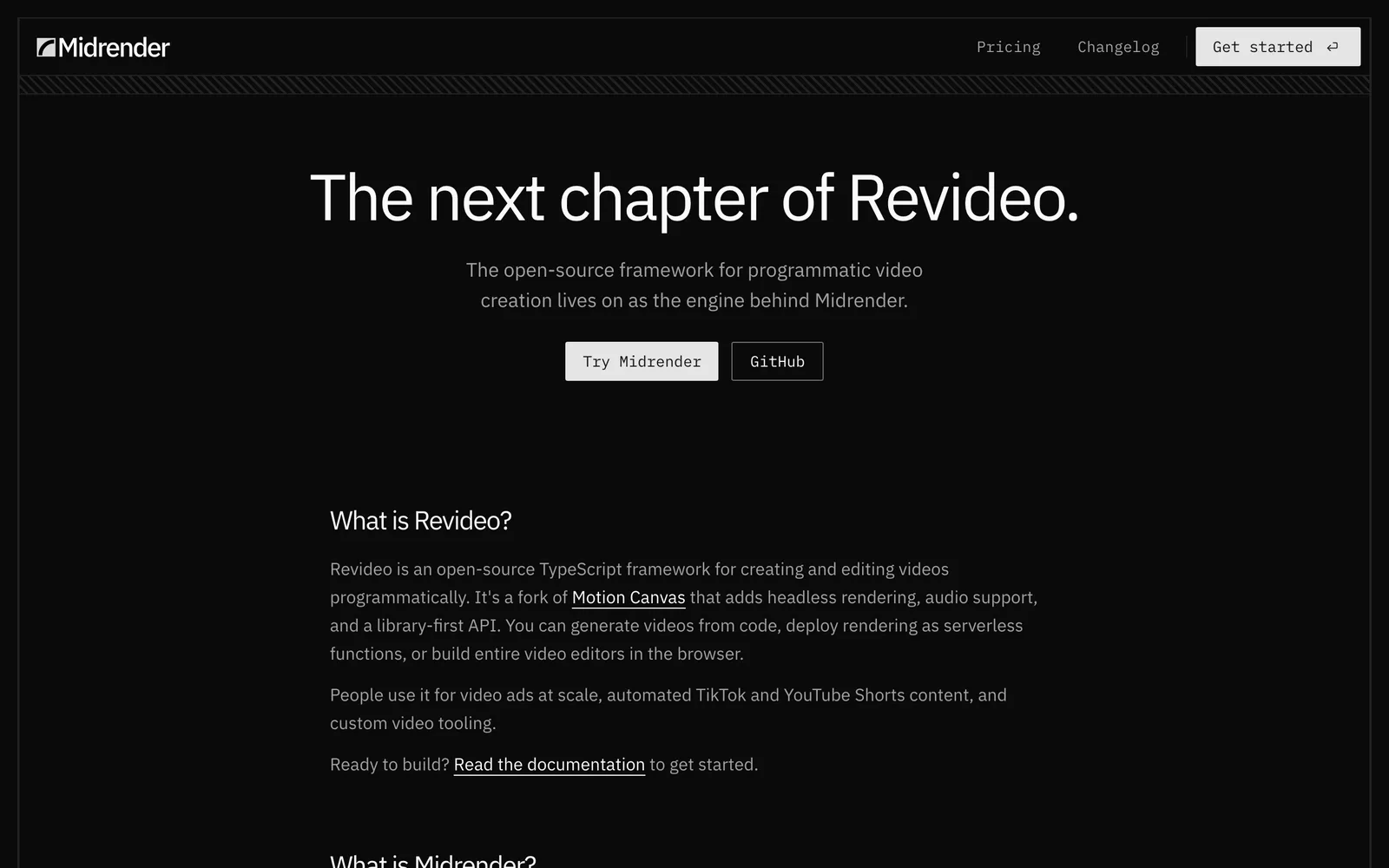
What it is: an MIT-licensed TypeScript framework for programmatic video, forked from Motion Canvas and reshaped into a library. It adds headless rendering, audio support and a library-first API, plus a React player component for in-browser preview. People use it for ads at scale, automated Shorts, and building custom video editors.
Worth knowing before you adopt it: the team behind Revideo now primarily works on Midrender, a commercial visual editor built on Revideo's engine. In their own words, the engine "continues to be developed as part of Midrender, though recent changes have not yet been upstreamed to the open-source repository." The open-source project is still there and still MIT — but the newest work isn't landing in it.
Pros
- Genuinely MIT with no per-render fees or employee thresholds
- Library-first API designed for embedding in your own product
- Headless rendering and audio built in
- React player for real-time browser preview
Cons
- Upstream development has slowed as focus moved to the commercial product
- Much smaller ecosystem than Remotion (~3k weekly downloads)
- Motion Canvas's generator-based animation model is a real conceptual shift
- You still build and run the pipeline
Why GenMotion is better for this job: adopting Revideo means betting a video pipeline on an open-source repo whose maintainers have publicly moved their attention elsewhere. GenMotion is a finished application rather than a dependency — and the iteration loop that Revideo asks you to build yourself (preview, timeline, audio sync) is the product.
4. Motion Canvas — the explainer specialist
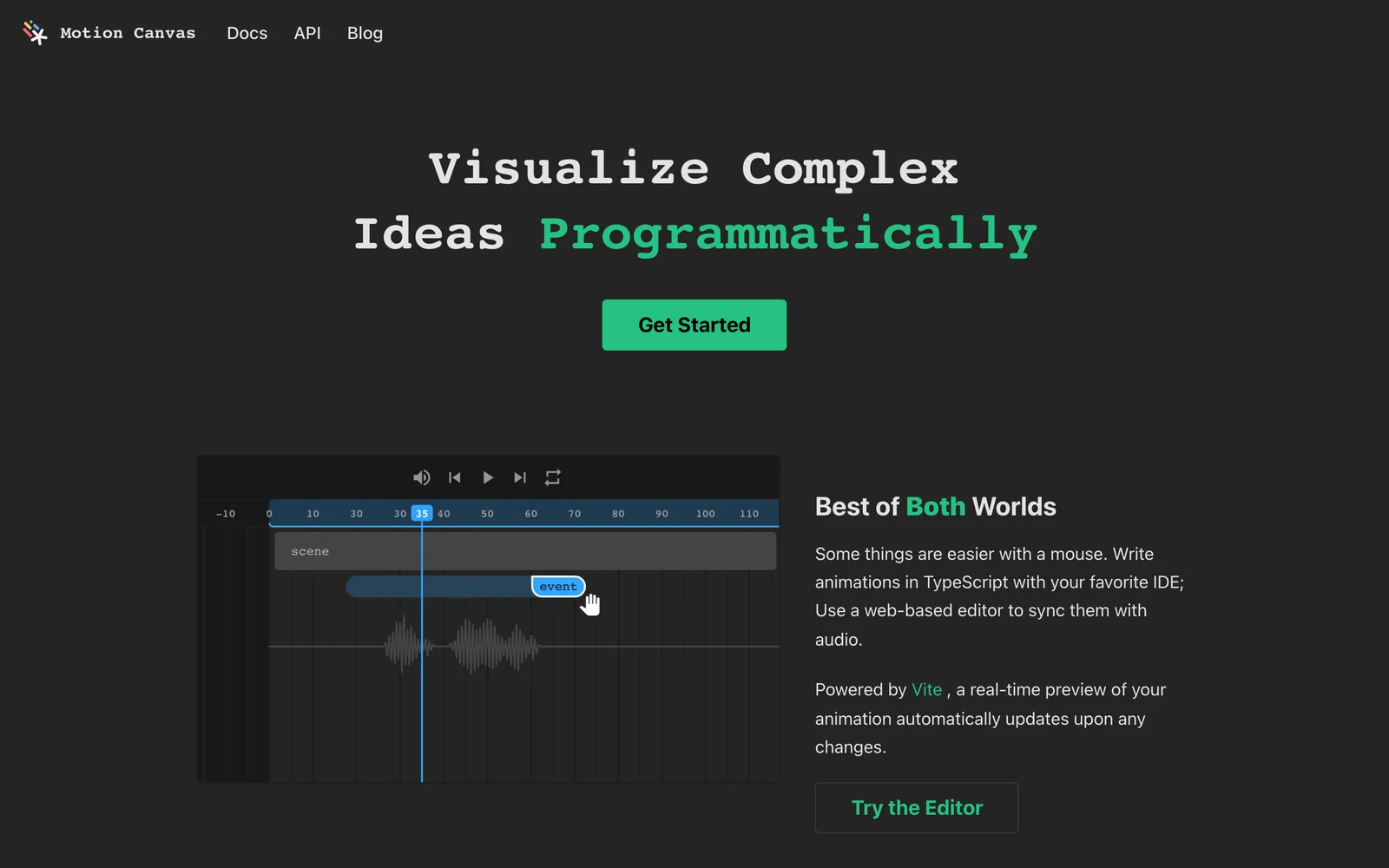
What it is: an MIT-licensed TypeScript library for informative vector animation, with a web editor that gives you real-time preview and a timeline for syncing animation to a voice-over track. You write animations as TypeScript generators. For explaining an algorithm, a data structure or a mathematical idea, it's superb, and its editor is better than most people expect.
Pros
- Free and MIT, no thresholds of any kind
- The web editor's timeline and audio-sync are a genuine strength
- Excellent for technical explainers and conference talks
- Real-time Vite-powered preview
Cons
- Generator-based imperative animation is unlike anything else on this list
- Aimed at explainers, not product marketing or templated video
- Smaller ecosystem, slower release cadence
- Still fundamentally "write TypeScript to make the picture move"
Why GenMotion is better for this job: Motion Canvas's timeline is for lining up animation you already wrote in code against audio you already recorded. GenMotion's timeline changes the video itself — you reorder scenes, retime to the frame, and have the narration generated for you with beat timings, so a script rewrite doesn't mean re-measuring every offset by hand.
5. Creatomate — templated video at scale
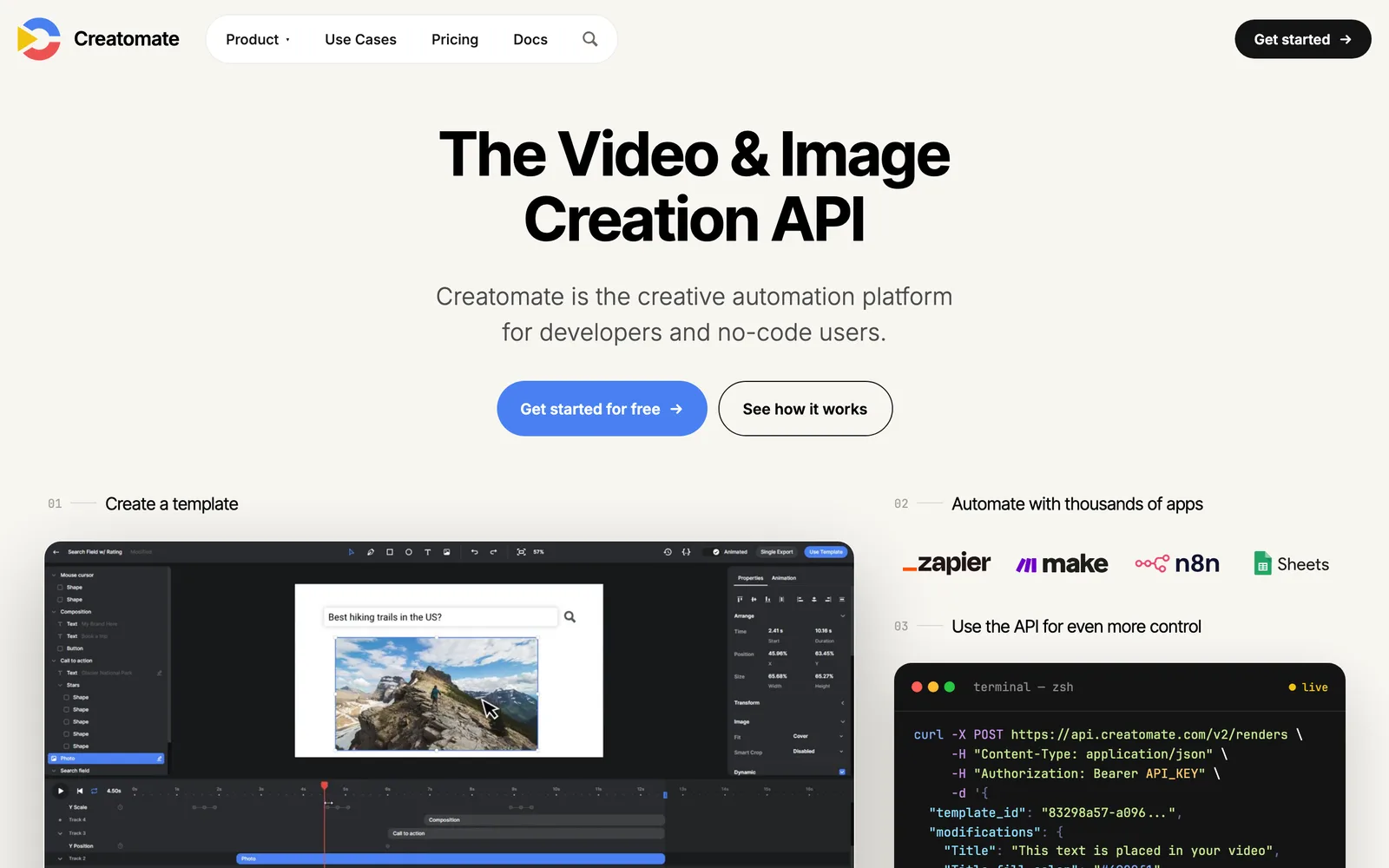
What it is: a cloud video-generation API with a visual template editor and integrations for Zapier, Make and n8n. You design a template once, then POST modifications to generate thousands of variants. Pricing is credit-based subscription tiers rather than a flat per-render fee.
Pros
- No rendering infrastructure whatsoever
- Non-engineers can edit templates
- Strong no-code automation integrations
- Purpose-built for personalised and localised video at volume
Cons
- Template-shaped: you're filling slots, not authoring motion
- Anything genuinely custom fights the format
- Credit-based pricing gets expensive at high volume
- Your video lives on someone else's platform
Why GenMotion is better for this job: Creatomate is excellent at a thousand versions of one video and wrong for one version of a good video. If you want a launch video with bespoke motion that you refine until it's right, a template editor is a ceiling — GenMotion authors the animation itself, and refining it is the main loop rather than a re-upload.
How to choose
Video is a feature of your product — personalised, per-user, rendered from your backend → Remotion. Pay the licence; it's the mature answer.
You want an open-source engine in your own pipeline and you're happy with a CLI → stay on HyperFrames. It's Apache 2.0, it's free, and nothing here beats it on that brief.
You need thousands of variants of one template → Creatomate.
You're animating algorithms or maths → Motion Canvas.
You want a library and MIT matters more than momentum → Revideo, with your eyes open about upstream.
You want to make a good video this week, change it ten times, and not build or maintain anything → GenMotion.
The honest summary
HyperFrames solved rendering. It genuinely did, and it gave the result away under Apache 2.0. If the rendering engine was your problem, take it and go.
But rendering was never most people's problem. Iterating was. The gap between the video in your head and the video on screen is closed by dozens of small changes, and every tool on this list except GenMotion asks you to spend a file-edit and a re-render on each one.
That's the bet GenMotion makes: that the loop matters more than the engine. A timeline you can drag. Audio that generates itself and hands back the timings. An agent that takes "make the intro punchier" and does it.
Download GenMotion — macOS on Apple silicon, free, and it runs on the Claude Code or Codex subscription you already have.
If HyperFrames is what you have and something is broken
Most of the pain people report is not a reason to leave. It is a short list of causes that repeat, and each one has a fix. The HyperFrames answers cover the ones that come up most: a black render, a check that passes while the video is wrong, renders that take 45 seconds longer than they should, and the determinism rules in one checklist.
Where to go next
- Best HyperFrames Studio alternatives: HyperFrames now has its own Studio and a desktop app, and this compares the tools against that.
- HyperFrames answers and Remotion answers: sourced fixes for the errors people hit most.
- Remotion alternatives — the same comparison from the other direction, including what Remotion's licence actually costs.
- How to make a product launch video — the script structure, if the video is the problem rather than the tooling.
- Timeline editor and AI voiceover — the two features this article leans on most.
- Pixel-identical export — why the preview and the export match.*
Ready to make your own?
Download