Product Launch Videos
Cinematic launch videos from a single prompt.
macOS · Apple silicon · v0.6.0 · 158 MB · explore features
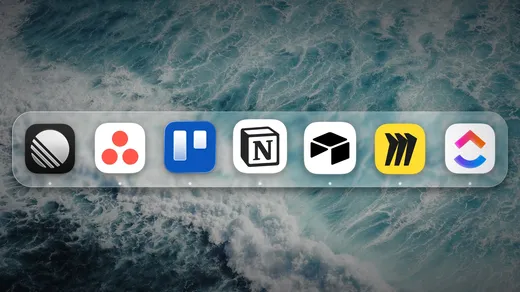
ElevenLabs
fal.ai
Runway
Replicate
Hugging Face
Freepik
Cloudinary
Mapbox
Figma
Canva
Mobbin
Notion
GitHub
Linear
Stripe
PostHog
Supabase
Firecrawl
Exa
Tavily
Context7
DeepWiki
Mux
Product Launch Videos, made by an agent
Turn your product into a launch video that earns attention. Describe what you're shipping and an agent writes the scenes, times the animation to a voiceover, and exports a pixel-identical MP4 — no motion designer, no timeline wrangling.

Koboyo Infinite Canvas — Launch Video
A launch video for Koboyo's infinite canvas — the product reveal cut as one continuous motion piece.
 haxzie · Product Launch

Flashmates Rental Marketplace — Launch Video
A launch video for Flashmates, a rental marketplace — the two sides of the market introduced in one motion piece.
haxzie · Product Launch
GenMotion AI Motion Graphics Editor
A look at the GenMotion editor — direct the agent, refine scenes on the timeline, and export a pixel-identical video.
haxzie · Product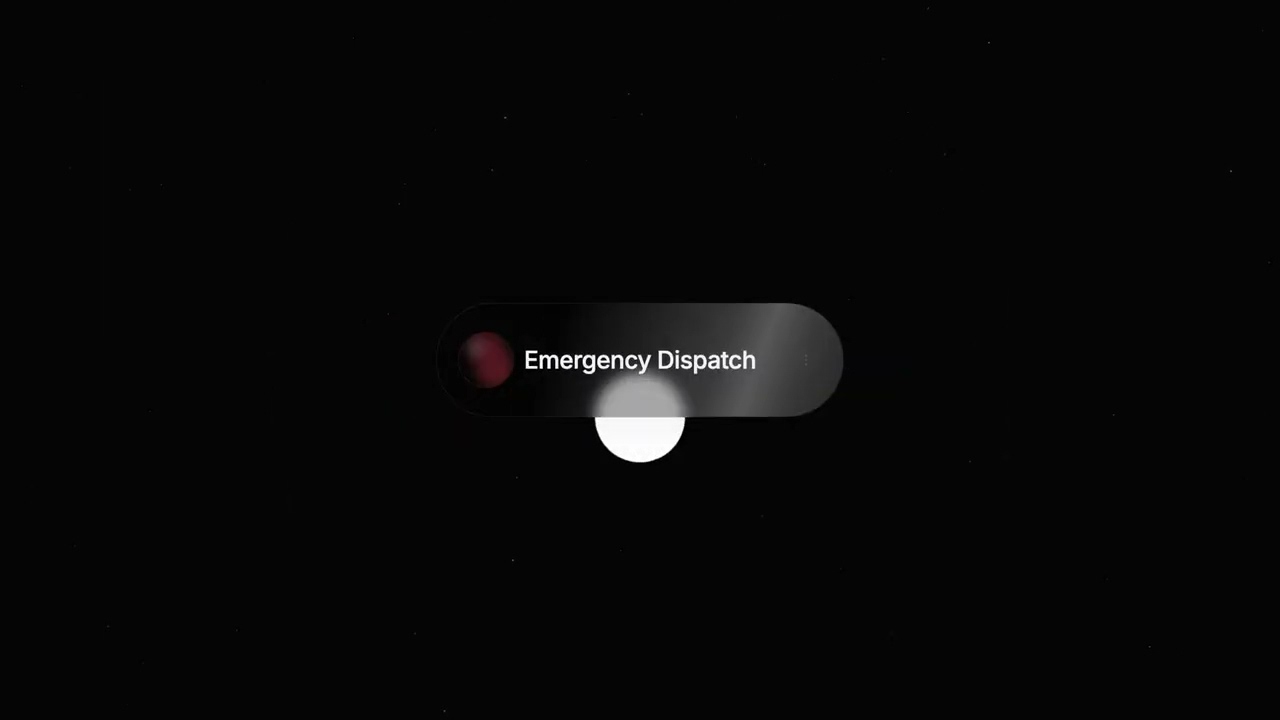
xAI Voice Agents Launch
A product-launch motion piece announcing xAI voice agents — kinetic type, tight pacing, and a clear hero moment.
haxzie · Product Launch
GenMotion AI Motion Graphics Creator
A product overview of GenMotion itself — describe a video in plain language and watch an agent animate it, end to end.
haxzie · Product OverviewFrom idea to video in three steps
Start with an idea or a template
01Drop your clips and images straight into the chat, describe the video you want, or open a finished template and make it yours.

Direct the scene with AI prompts
02Click any element in the preview and ask for the change in plain language. The agent rewrites the scene and the preview follows.
Export your scene and share it
03A headless render gives you a pixel identical MP4 in any aspect ratio, ready to post wherever your audience is.
From prompt to launch trailer
Describe the product, the audience, and the vibe. The agent drafts a narrative arc — hook, problem, reveal, proof, tagline — and animates every scene to match. Refine any of it in plain language.
On-brand, and yours to edit
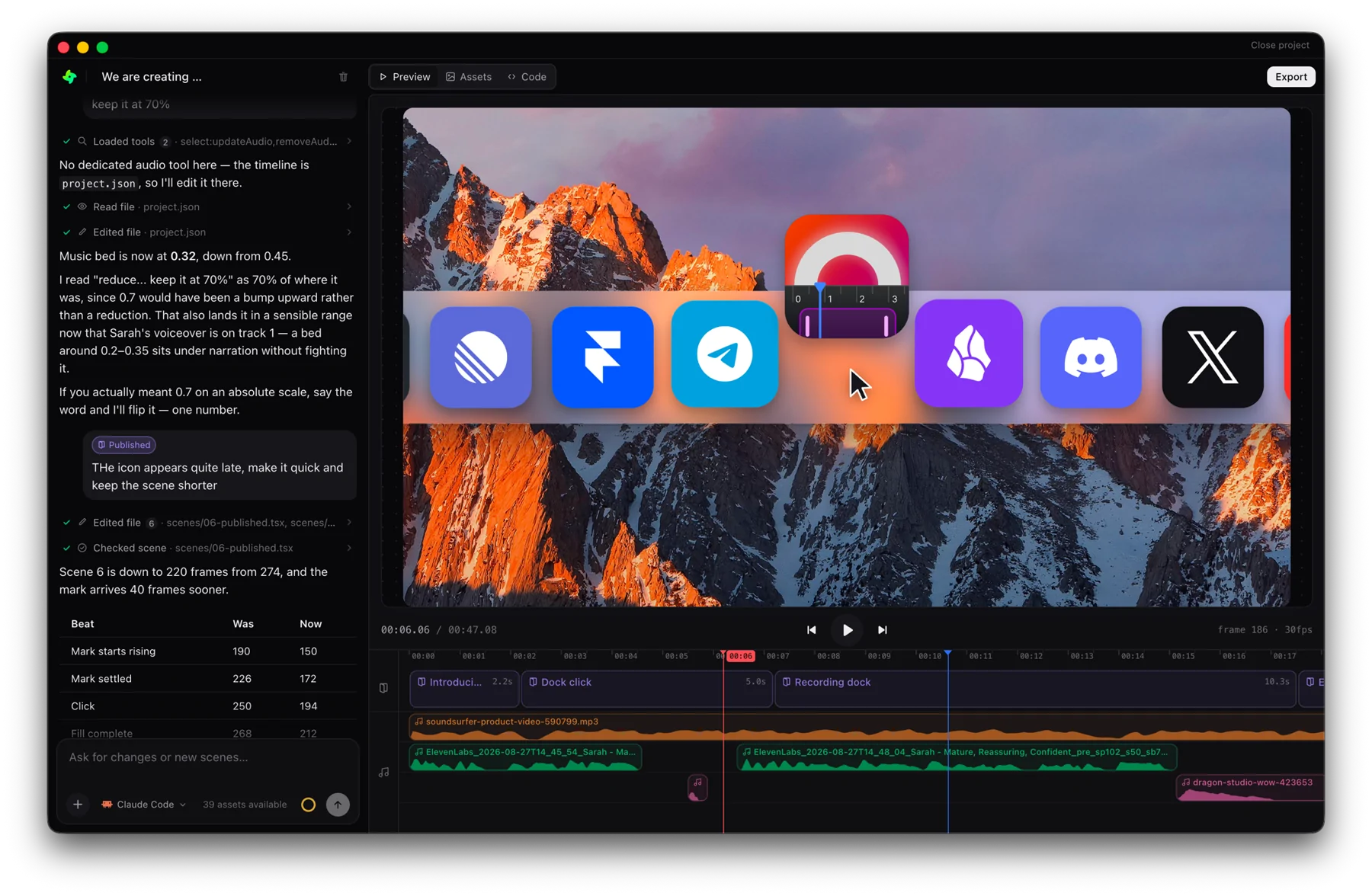
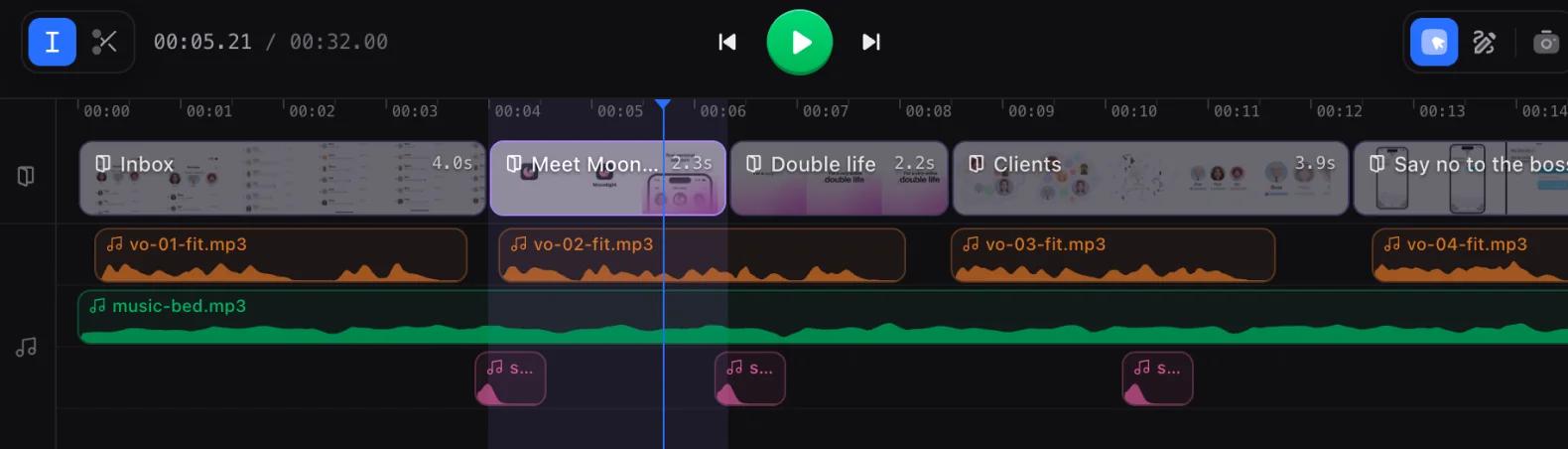
Pull your palette, type, and logo from a URL, and every scene is real React/TSX you can inspect and tweak on a frame-accurate timeline. What you preview is exactly what exports.
A full studio controlled by Claude
Everything a finished video needs, in one project and one timeline.

Video clips
Drop your footage in and cut it on the timeline, scene by scene.
Motion graphics
Kinetic type, shapes and transitions, animated by the agent.
Voice overs
Pick a voice and get a take per scene, synced to the animation.
SFX
Whooshes, clicks and risers, landing on the beat you put them on.

Image generation
Describe a still and it arrives in your assets, ready to place.
Background music
A bed in the mood you ask for, ducking under the narration.
Frequently asked questions
Describe your product on GenMotion — the audience, the key message, and the feel you want. The agent writes the animated scenes, adds narration and motion, and you export a finished MP4. Refine anything by chatting or editing on the timeline.
A first draft is animated in minutes. From there you iterate in plain language until it's right, then export a pixel-identical MP4.