Create Educational Videos using Claude Code
Describe the concept. An agent animates the lesson, narrated and ready for YouTube.
macOS · Apple silicon · v0.0.22 · 156 MB · explore features
ElevenLabs
fal.ai
Runway
Replicate
Hugging Face
Freepik
Cloudinary
Canva
Mobbin
Notion
GitHub
Linear
Stripe
PostHog
Supabase
Firecrawl
Exa
Tavily
Context7
DeepWiki
Mux
Start from a lesson that already teaches
Finished explainers you can take apart. Swap the subject, rewrite the script, and it becomes a lesson of your own.

From a concept to a published lesson in four steps
Explain it once
Tell the agent the concept and who is learning it. It writes the script, splits the idea into chapters, and animates a diagram for each one.
Check the diagram
Scrub to any frame and look at what a learner will look at. A label in the wrong place is a sentence to fix, not a re-render.
Narrate it
Add a voiceover in the studio and the animation is timed to it, so the drawing lands on the word it belongs to.
Upload to YouTube
Export a pixel-identical MP4 at 1080p or 4K on your own machine. No watermark, no render queue, no upload step in between.
A full studio, pointed at teaching
Narration, captions, brand colors, and an export that matches the preview. Each one has its own page.
AI Scene Authoring
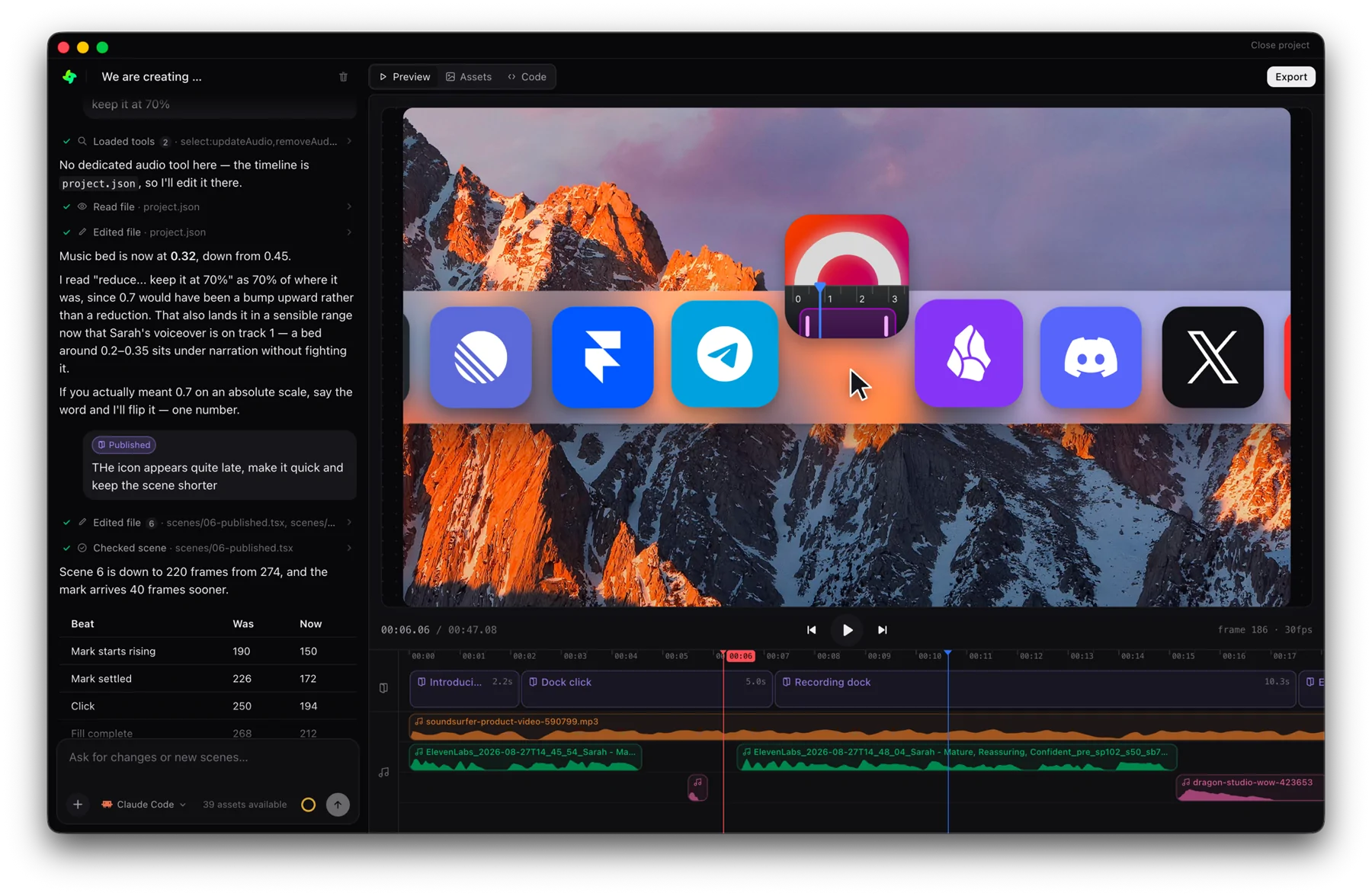
Describe a scene in plain language — the agent writes the animation.
Learn moreFrame-Accurate Preview
Scrub frame-by-frame in the browser — what you see is what renders.
Learn moreTimeline Editor
Rearrange scenes and tune durations on a visual timeline.
Learn morePixel-Identical Export
Export MP4s rendered by a headless worker — pixel-perfect, every time.
Learn moreText Animation Presets
Beautiful kinetic typography from a single component.
Learn moreAI Voiceover
Add natural narration per scene — synced to your animation.
Learn moreBrand Extraction
Point at a website and pull its logo, colors, and fonts.
Learn moreHow to make educational videos people finish
The script, the pacing, and the production loop behind the explainers in this gallery.
Frequently asked questions
Concept explainers, course lessons, technical breakdowns, data stories, and study aids. Anything whose visuals are drawn rather than filmed: diagrams, tables, timelines, charts, code, and typography. The database explainer in the gallery is a whiteboard-style lesson with a voiceover, six chapters, and a summary.
No. You describe the lesson and refine it by conversation. The timeline is there when you want to retime a beat by hand, but nothing on the page requires it.
Claude Code is the agent writing the scenes. You bring your own Claude Code or Codex subscription and GenMotion drives it inside the editor, so the lesson is authored by the model you already pay for. GenMotion does not resell or meter model access.
Yes. Generate a voiceover in chat on Pro, or drop in your own recording, and place it on the audio track. Scenes are timed in frames, so you can line a diagram up with the exact sentence that describes it.
Yes. Ask for the next chapter and the agent reuses the same scenes, palette, and typography, so episode four looks like episode one. Remix a template and every lesson in the series starts from the same structure.
Yes. The browser preview and the headless renderer share one deterministic runtime, so the exported MP4 is pixel-for-pixel and frame-for-frame identical to the cut you approved.
Yes, and it does not expire. The free plan gives you the whole studio with no credit card: unlimited projects, unlimited chat with your own agent, and 5 finished exports a month at any resolution, with no watermark on any of them. Pro lifts the 5-a-month limit and adds voiceover and image generation in chat.