Frame-Accurate Preview
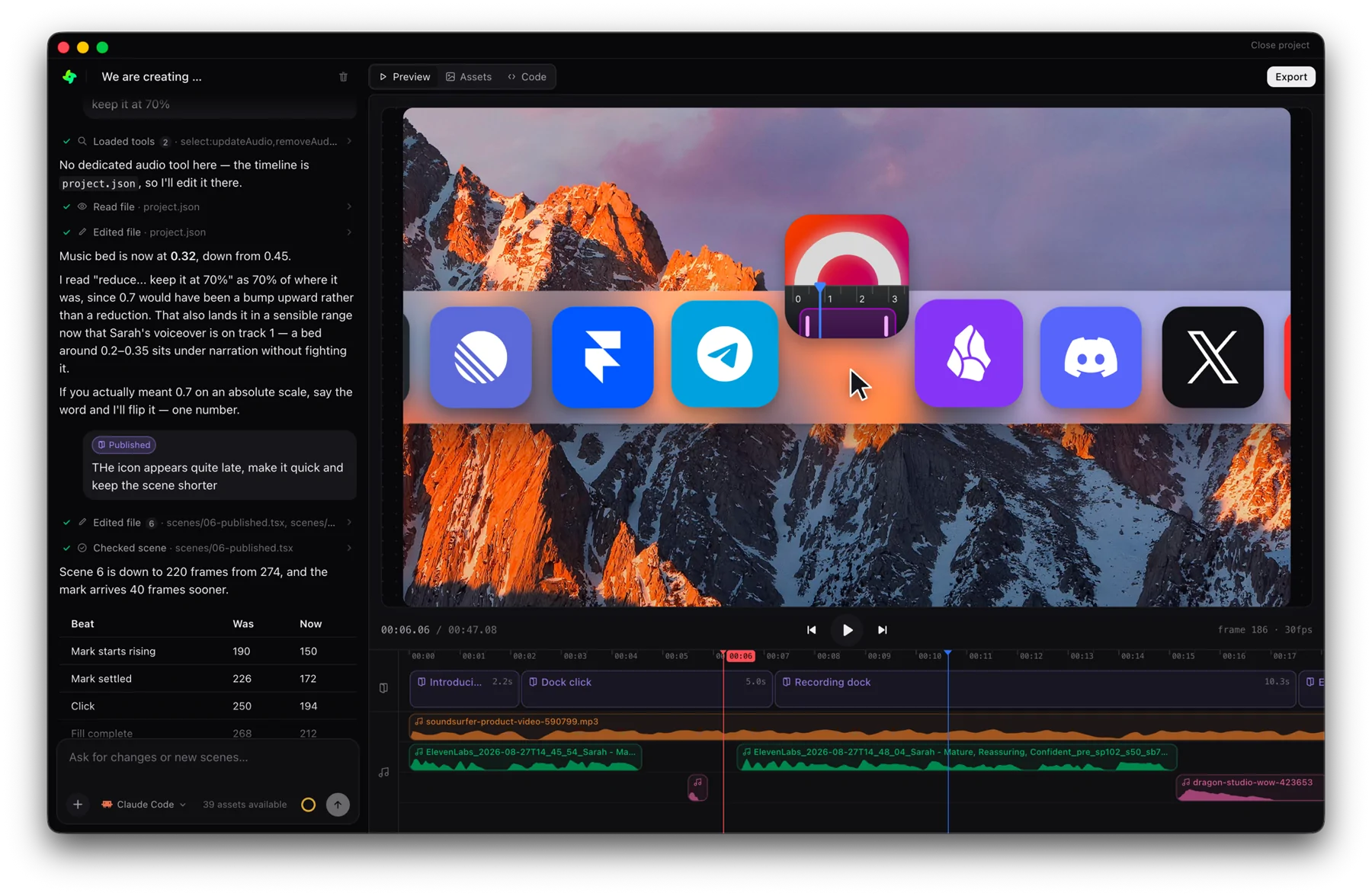
Scrub frame-by-frame in the browser — what you see is what renders.
macOS · Apple silicon · v0.0.27 · 156 MB · explore features
ElevenLabs
fal.ai
Runway
Replicate
Hugging Face
Freepik
Cloudinary
Canva
Mobbin
Notion
GitHub
Linear
Stripe
PostHog
Supabase
Firecrawl
Exa
Tavily
Context7
DeepWiki
Mux
Deterministic by design
Motion is a pure function of the current frame. No wall-clock timers, no randomness drift — replays are bit-for-bit identical every time.
Scrub and inspect
Drag the playhead to any frame and see exactly that moment. Perfect for nailing timing on a specific beat.
WYSIWYG, literally
Because the preview and the renderer share the same runtime, there are no surprises when you export.
From idea to video in three steps
Start with an idea or a template
01Drop your clips and images straight into the chat, describe the video you want, or open a finished template and make it yours.

Direct the scene with AI prompts
02Click any element in the preview and ask for the change in plain language. The agent rewrites the scene and the preview follows.
Export your scene and share it
03A headless render gives you a pixel identical MP4 in any aspect ratio, ready to post wherever your audience is.
A full studio controlled by Claude
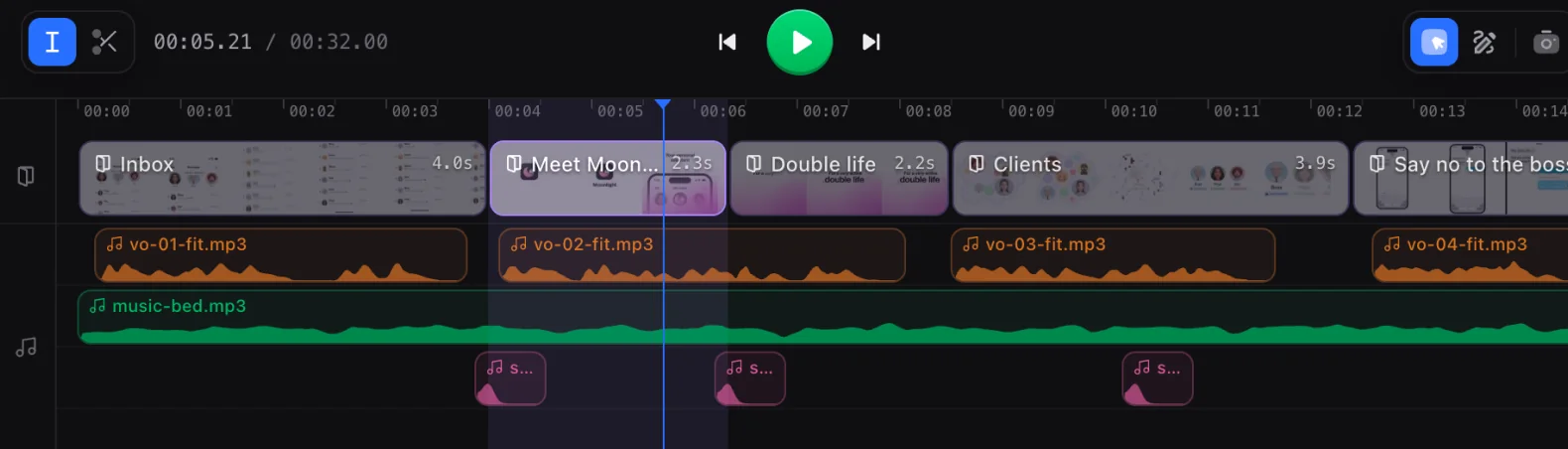
Everything a finished video needs, in one project and one timeline.
Video clips
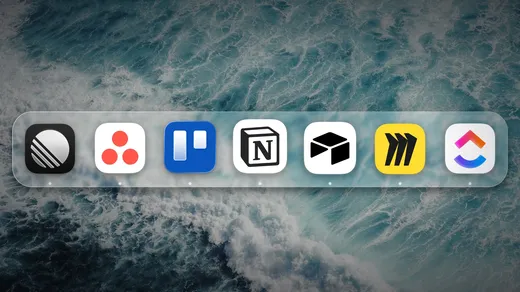
Drop your footage in and cut it on the timeline, scene by scene.
Motion graphics
Kinetic type, shapes and transitions, animated by the agent.
Voice overs
Pick a voice and get a take per scene, synced to the animation.
SFX
Whooshes, clicks and risers, landing on the beat you put them on.
Image generation
Describe a still and it arrives in your assets, ready to place.
Background music
A bed in the mood you ask for, ducking under the narration.
Frequently asked questions
Yes. The preview and the renderer run the same deterministic runtime, so what you scrub in the browser is pixel-for-pixel and frame-for-frame what the exported MP4 contains.
Every animation is a pure function of the current frame — no wall-clock timers or randomness drift — so any given frame always looks exactly the same on every replay.
Yes. Drag the playhead to any frame to see precisely that moment, which makes it easy to nail timing on a specific beat.